Email Security
What Security Leaders Should Actually Measure with AI in Email
If “AI for email security” is on your roadmap, the real question isn’t what to buy—it’s what to measure.


AI for email security is officially out of the science-project phase.
In Google Cloud’s 2025 report The ROI of AI in Security: How agents are delivering the next wave of proactive enterprise security (3,466 senior leaders surveyed), organizations using AI agents report faster incident resolution, fewer tickets hitting human analysts, and better identification of sophisticated threats. AI isn’t just a lab toy anymore; it’s reshaping day-to-day security operations.
But if you’re a CISO, VP of SecOps, or security architect trying to make an AI email project real, you don’t live at 30,000 feet. You live in dashboards, backlogs, and post-incident reviews.
So the practical question becomes:
What, exactly, should we measure to know if AI in our email stack is working?
At Aegis, when we work with teams rolling out AI-native email security, we use a simple metrics framework built around four buckets:
In this post, we’ll walk through:

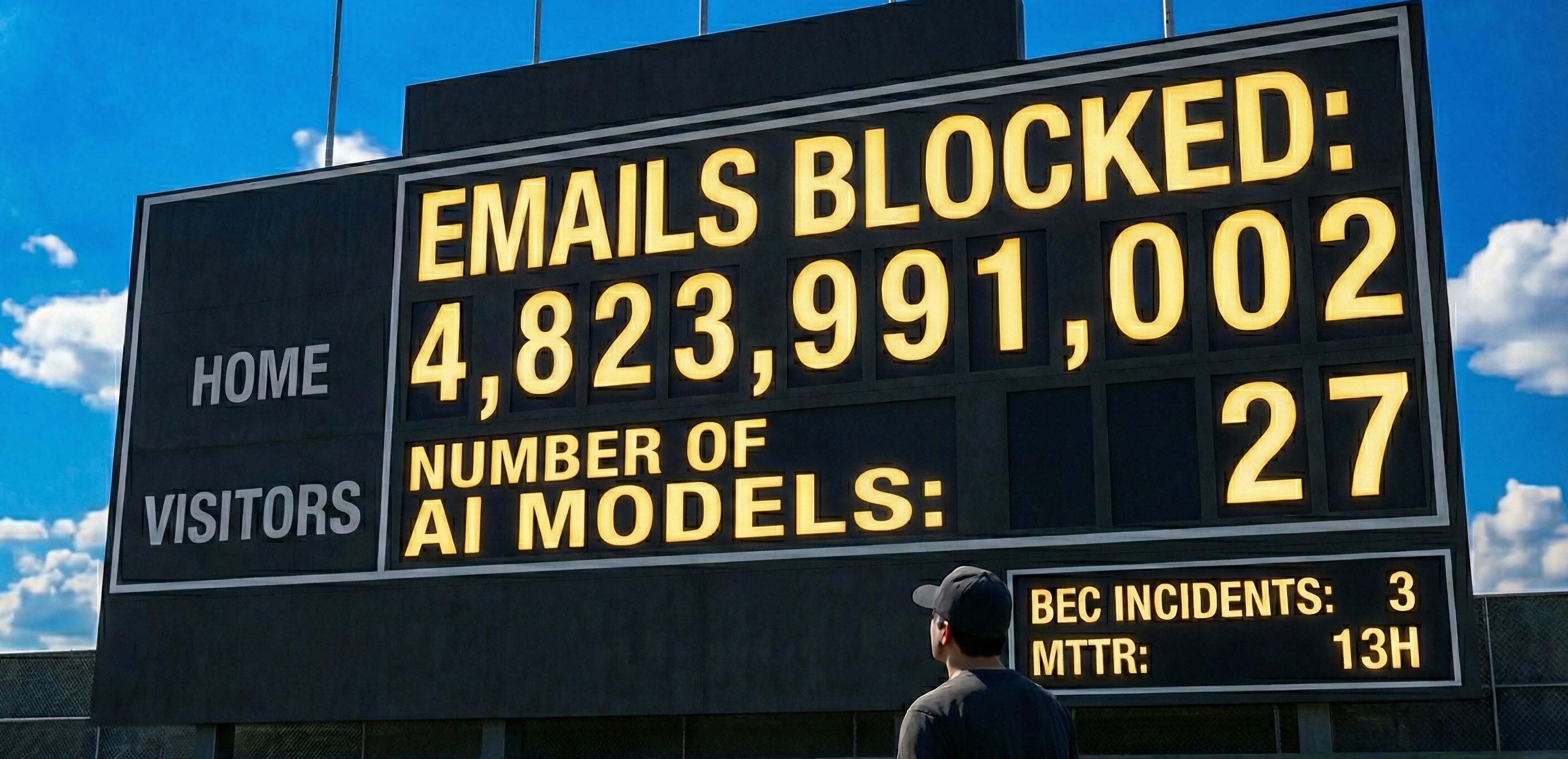
There are a few numbers that sound impressive in a board deck but are nearly useless for day-to-day decisions.
You’ve seen them:
None of these tell you whether your team is:
They describe activity, not outcomes.
So instead of starting with model benchmarks or raw block counts, we recommend anchoring on four buckets of metrics that map directly to how your SOC actually operates.
Question: Are we catching the right things?
If you only track one dimension, track this one.
AI in email should improve your ability to catch social engineering and business-logic abuse – the stuff that slips past legacy filters and ends up in painful post-mortems.
A few concrete metrics that help:
Pre-inbox catch rate for high-risk threats
What percentage of truly malicious emails are stopped or clearly flagged before they reach a user mailbox? This is your “did we put the fire out before it reached the building?” number.
Coverage of advanced threats
Take a look at all confirmed BEC, supplier fraud, and targeted phishing incidents over a period. How many were initially surfaced by the AI versus by humans or luck? This shows whether AI is contributing new signal, not just re-labelling spam.
False positive rate on high-severity flags
Of the emails your AI labels as high risk, what percentage do analysts later mark as benign? If that drifts too high, analysts will start to ignore or disable the system, no matter how clever the model is.
Campaign detection effectiveness
For a given phishing or BEC campaign, how many distinct tickets or alerts did it generate versus how many unique campaigns you actually saw? Good AI clusters similar messages into one campaign, not hundreds of duplicates.
At Aegis, we often start conversations with a simple question:
“Out of your last few BEC or invoice-fraud incidents, how many were caught by tooling versus humans versus luck?”
That answer alone usually reveals where AI can help.
Question: Is the SOC getting its time back?
In Google’s ROI report, early adopters of AI agents consistently report reduced mean time to resolution (MTTR) and fewer security tickets overall. Email is one of the fastest places to see those gains, because the workflows are repetitive and measurable.
For email specifically, a few useful baselines:
MTTR for email-driven incidents
Measure the average time from initial detection or user report to incident closure for email-related cases. This is where explainability and enrichment from AI should visibly move the needle.
Analyst time per email ticket
How much active investigation time does a typical user-reported or system-generated email alert consume? If AI is doing real pre-triage and context-building, this number should shrink.
Email-related tickets per analyst per week
Track the volume of email-focused tickets handled by each analyst or tier. Clustering and deduplication should reduce how many individual tickets they touch, even if the underlying campaign volume doesn’t change.
Queue composition: noise versus signal
Look at the distribution of email tickets by severity and priority before and after AI rollout. The goal isn’t just “fewer tickets.” It’s fewer low-value tickets and more time on important ones.
A simple roll-out pattern we see with Aegis customers:
start by applying AI to user-reported phishing triage and campaign clustering, then watch how MTTR and tickets-per-analyst shift over 30–60 days.
Question: Did the bad stuff actually go down?
Executives don’t care that you shaved 30 seconds off triage time.
They care about fewer embarrassing incidents and less money at risk.
The Google study highlights that early adopters of AI agents see both operational gains and risk reduction. For email, that translates directly into fewer BEC and fraud incidents, more “near-misses caught,” and clearer stories you can tell the board about avoided losses.
To make that tangible:
Email-driven breach or fraud incidents
Count the number of confirmed security incidents where email was the initial vector – BEC, credential theft, invoice fraud, account takeover. Over time, this should trend down if your AI is catching more of the dangerous stuff earlier.
Near-misses detected by AI
Track cases where a user interacted with a dangerous email (clicked, replied), but AI controls or follow-up response prevented loss. These are your “we dodged a bullet” stories for the board and risk committee.
Financial exposure avoided
Estimate the dollar value of fraud, unauthorized transfers, or business interruption averted in AI-caught cases. It doesn’t need to be perfect. Directionally correct numbers are enough to justify an AI investment in business language.
Policy and compliance events tied to email
Monitor reportable events – data exposure, compliance breaches – where email played a role. For regulated industries and internal audit, this becomes an important secondary outcome of better email controls.
You don’t need forensic precision in every metric. Directional changes plus narrative before/after examples are often enough to show that AI is reducing risk, not just rearranging tickets.
Question: Will people actually keep this turned on?
There’s one more dimension leaders often underestimate: human trust.
If analysts don’t trust the AI, they’ll route around it. If users don’t trust email warnings, they’ll ignore them. If both start to trust it, adoption and value climb.
You can and should measure this:
Automation adoption rate
Of all the flows where automation is available – auto-quarantine, banner insertion, auto-closing obvious spam – in what percentage is automation actually enabled? That’s a live proxy for organizational trust.
Rollback and override rate
How often do analysts or admins reverse the AI’s actions (release quarantined emails, remove flags, reopen tickets)? A high rate might mean thresholds are wrong, explanations aren’t convincing, or the risk appetite isn’t aligned.
Analyst satisfaction and qualitative feedback
Run light-weight surveys, retro notes, or interviews: is this AI making their day better or worse? SOCs run on people. If they say, “This helps,” that’s a strong signal, even before the hard numbers catch up.
User-reported confidence in email controls
Ask employees periodically whether they feel better equipped to spot and report suspicious emails and whether banners or warnings feel useful or annoying. AI-driven controls should increase user awareness, not just silently block in the background.
At Aegis, we pay close attention to rollback rate and analyst feedback in the first 60–90 days of a deployment. If the numbers or comments look off, we tune explainability and automation thresholds before expanding scope.
Here’s a simple way to operationalize all of this without building a 40-page measurement plan.
1. Pick one or two metrics from each bucket.
For example:
That’s enough to start.
2. Baseline for 4–8 weeks before AI rollout.
Use your existing stack and processes.
Avoid other big changes if you can, so the comparison is clean.
3. Introduce AI in one or two workflows.
Good first candidates:
Keep every action reversible at this stage.
4. Compare before versus after with real numbers.
Expect messy data at first; you’re looking for trends, not perfection.
Pair the quantitative shifts with two or three qualitative stories – for example, a near-miss caught by AI that would previously have slipped through.
5. Iterate, then expand scope.
Tweak thresholds and explainability until analysts feel like the AI is a help, not a hindrance. Only then move into more aggressive automation or additional use cases.
Run it like a product experiment: baseline → change → evaluate → expand.
If you’re evaluating AI for email security and your dashboard is full of model benchmarks, generic “threat counts,” and pretty graphs – but says nothing about detection quality, SOC workload, actual risk, or human trust – you’re flying blind.
A better approach is simple:
Measure how AI changes what your analysts do, what your users see, and what actually happens to your business.
That’s how we think about it at Aegis. When we help teams roll out AI-native email security, we don’t start with “Look how smart our model is.”
We start with:
Then we use AI to move those needles – and measure it.
If you’re planning or already running an AI email security initiative and want a second set of eyes on your metrics, we’re happy to share more of what we’ve seen across teams at different stages of maturity
When we work with teams on AI-native email security, we usually start with a simple exercise: map these four buckets to your existing tools, tickets, and incident history—and see what’s actually measurable today.
If you’d like a second set of eyes on your metrics, our team is happy to walk through it with you and show how we instrument these numbers in Aegis.
👉 Get an Email AI Metrics Checkup: Talk to our team