Email Security
AI
Technical Guides
Designing Email AI Agents Analysts Actually Trust: Detect → Explain → Act
Everybody sells “AI for email security.” The difference between hype and value comes down to three words: Detect, Explain, Act.



The most dangerous “AI for email security” feature usually isn’t the one that misses an attack.
It’s the one your analysts quietly turn off.
Over the last year, “AI powered” has become the default label on email security roadmaps, pitch decks, and product pages. But inside real SOCs, the question is not “Do you use AI?” It’s much simpler:
“Does this thing actually help my analysts get to a confident decision faster, or is it just another noisy box in the path?”
In our work building an AI-native email security platform at AegisAI, and in the research behind our AI-Powered Spearphishing at Scale paper, the tools that actually earn trust and stay enabled in production all share the same shape:
Detect → Explain → Act
It looks simple on a slide. In practice, it’s anything but. Get these pieces out of order, or skip one entirely, and you end up with a great demo that never survives contact with a real incident queue.
This post breaks down what a good email AI agent has to do at each stage, what typically goes wrong, and how to roll this out without your analysts revolting.
.jpg)
The first job of an email AI agent is obvious: find bad things.
The problem is that “bad” in 2025 doesn’t look like the training set from 2015. It’s not dominated by typo-riddled phishing and spray-and-pray malware anymore. Instead, it’s the vendor who suddenly asks to “update bank details” in the middle of a live invoice thread. It’s the fake CEO nudging Finance for an urgent wire before a long weekend. It’s the compromised supplier who forwards a perfectly clean attachment, then follows up with a short, poisoned message.
All of that looks plausible to a human. It’s designed to.
A strong detection layer doesn’t just point a model at the body text and hope for the best. It treats each email as a bundle of signals: the language of the message, the relationships between sender and recipient, the underlying infrastructure, and the behavioral history. You still care about tone, urgency, financial terms, and impersonation cues, but you also care who normally talks to whom, whether this person has ever emailed this team about money before, what the domain history looks like, how SPF, DKIM, and DMARC are behaving, and whether this mailbox has ever behaved this way in the past. You also ask whether the message feels like a one-off or a sample from a much larger campaign.
The focus shifts from static indicators of compromise to social engineering. Business email compromise, supplier fraud, payroll diversion, and MFA recovery scams mutate too quickly for rule sets that only look at artifacts. The job of the AI is not to shout “bad” at every oddity; it’s to push a very specific kind of weird into the queue — the emails that represent real financial and operational risk.
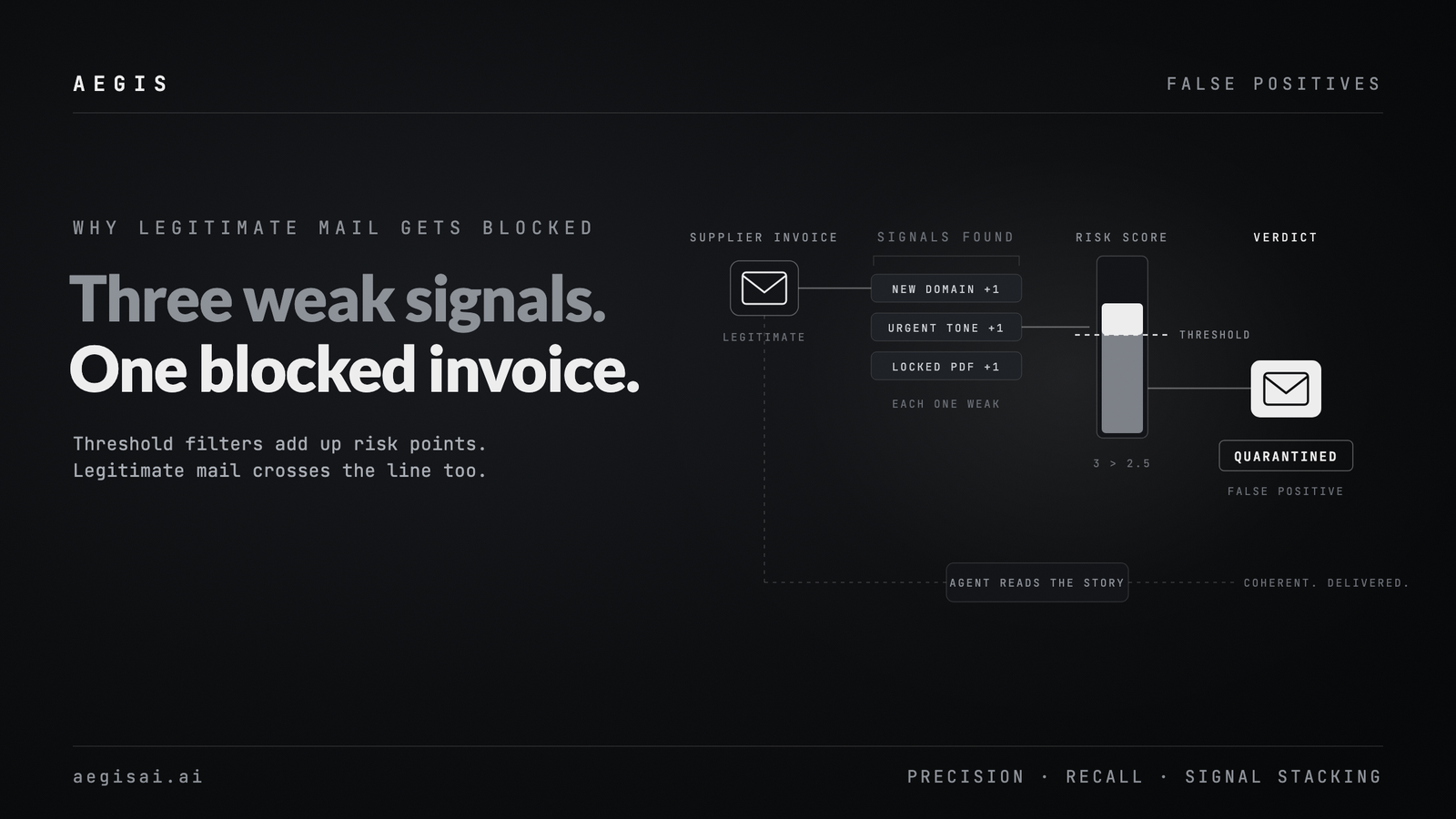
When detection goes wrong, it tends to fail in familiar ways. Pure content classification with no identity or infrastructure context misses the subtle attacks or overwhelms analysts with false positives. A single opaque risk score gives the team nowhere to push back or tune. Treating a thousand copies of the same campaign as a thousand independent incidents is a reliable way to burn out a SOC.
Our experience at AegisAI is simple: more detections is not the same as better detections. The job of detection is not to maximize a counter. It’s to deliver the right weird into the queue — the subset of messages that truly deserve human attention.
This is the step most people underinvest in.
Detection gets AI into the room. Explainability decides whether it gets a permanent seat at the table.
If your system’s answer is essentially, “This is malicious, confidence 0.86,” your analysts still have to do all the reasoning. You’ve inserted another hop in front of their normal investigation without removing any work.
Useful explainability for email should read like a quick note from a senior analyst to a junior one: concrete, specific, and very human. Instead of a generic “phishing” label, you want something closer to:
With that kind of explanation, an analyst has something they can agree with or argue against. That’s the goal. You aren’t trying to be mystical; you’re trying to be legible.
This matters for three reasons.
First, trust is built on shared reasoning. When the system reasons about an email the way an analyst does, it starts out as a helpful second opinion and quickly becomes a reliable first-pass filter.
Second, disagreement becomes training data. When analysts say “this explanation is off,” you’ve found the richest feedback signal you’ll see all week — exactly where you should be tuning models, thresholds, and patterns.
Third, it moves MTTR directly. In AegisAI deployments, we’ve seen explainability reduce mean time to resolution more than detection alone. Analysts spend less time reconstructing why something feels risky and more time deciding what to do about it.
If your “AI for email” story doesn’t include explanations you’d be comfortable putting in front of your own IR team, it’s not ready. Detection without explainability is just a fancier spam score.
Only after you can Detect and Explain reliably do you earn the right to Act.
This is where an AI agent stops being a scoring engine and starts changing real outcomes. Done well, fewer dangerous emails reach inboxes, fewer low-value tickets hit queues, and high-risk incidents move faster from suspicion to containment.
You don’t start by letting the AI delete whatever it wants. You start with low-regret moves that clearly help and are easy to reverse. Inline warning banners are often first. A short banner that says “Possible impersonation of a known vendor — verify payment changes out of band” or “Unusual financial request from a sender you don’t normally pay” gives users context at the moment of decision without breaking their workflow. Soft quarantine is another safe starting point: route high-risk messages into a review folder or hold queue, with one-click release options when an analyst disagrees.
User-reported mail is a natural fit for smarter routing. Right now, many teams dump every “this looks suspicious” report into a single queue. An agent that can separate obvious spam from likely phishing, probable false positives, and true “needs analyst review” saves hours of triage. When an email does become a ticket, the system should pre-fill it with the signals and reasoning from detection and explainability so no one starts from a blank page.
From there, you can move into more assertive actions on well-understood patterns: auto-quarantining clear campaign variants, auto-closing obviously benign user reports, or triggering response playbooks such as vendor callbacks or temporary account lockouts.
The guardrails matter as much as the actions themselves. Analysts and admins need the ability to reverse automated decisions without opening a support case; if “undo” is slow, no one will trust “do.” Every action should leave a receipt that records what happened, why it happened, and which signals drove the decision; that’s important for internal reviews and auditors. Different teams have different risk tolerances. Legal, Finance, and Engineering will not want identical settings, so the knobs cannot be one-size-fits-all.
The pattern we see succeed is consistent: start with AI as a very smart recommender, then gradually grant it the right to act on specific classes of threats, always with clear rollback and reporting. That’s how you keep automation turned on in production instead of quietly dialing it back after the first noisy week.
The real value shows up when Detect, Explain, and Act reinforce each other instead of living in silos.
Consider a typical payment-fraud attempt. The agent detects a suspicious request to change bank details on an active invoice from a vendor domain that looks slightly off. The explanation highlights the lookalike domain, the mid-thread bank change, the unusual urgency, and the similarity to past BEC templates. The action layer adds an inline banner for the recipient, routes this and similar messages into a focused queue, and opens a single enriched case for the campaign instead of dozens of separate tickets.
The analyst now reviews one well-explained incident rather than a flood of nearly identical alerts. Their decision — whether it’s confirmed BEC, a benign change, or something suspicious but contained — flows back into tuning future detections and actions.
Over time, that loop produces higher-quality detections on socially engineered threats, shorter MTTR because the “why” is already on the page, lower ticket volume thanks to campaign deduplication and safe automation, and more analyst trust because the system behaves predictably and transparently.
That’s what agentic behavior in email should look like in practice: not a magic wand, but a structured collaborator.
Whether you’re buying or building, a simple checklist falls out of this framework.
On the detection side, ask what signals the system uses beyond content, whether it understands campaigns versus single messages, and whether you can see the factors behind a “high risk” decision instead of just a score. For explainability, ask if an analyst could read the output and say, “Yes, that’s exactly how I’d summarize this email,” and whether they can see why the system is confident, not just that it is. For actions, start reversible: banners, routing, enrichment. Put hard quarantine and destructive moves behind clear thresholds and approvals, and make sure rollback is one click, not a support ticket.
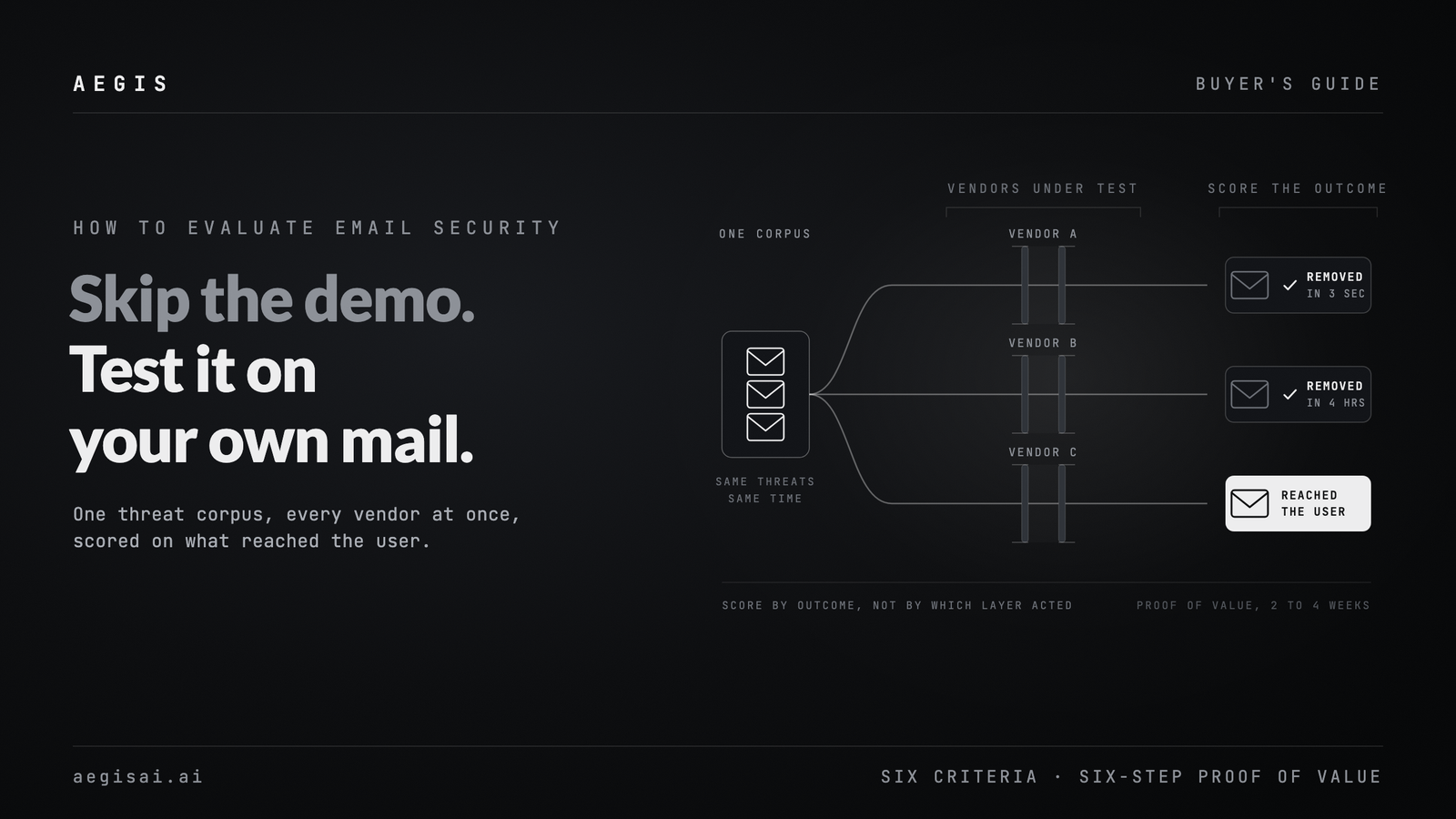
Finally, instrument everything. Track mean time to resolution for email incidents, ticket volume, false positives, and user-report patterns. Treat AI as a product experiment, not an article of faith: set a baseline, introduce change, evaluate, and only then expand.
At AegisAI, this is how we think about AI agents in email:
Find the right weird. Explain it in human terms. Take actions your team can live with on Monday morning.
If you’re interested in how attackers are already abusing compromised infrastructure and AI-generated spearphishing — and why this [Detect → Explain → Act] loop is becoming mandatory, not optional — you can dive deeper in our research paper AI-Powered Spearphishing at Scale, linked from our site.
[Download the Full Report: AI-Powered Spearphishing at Scale]